
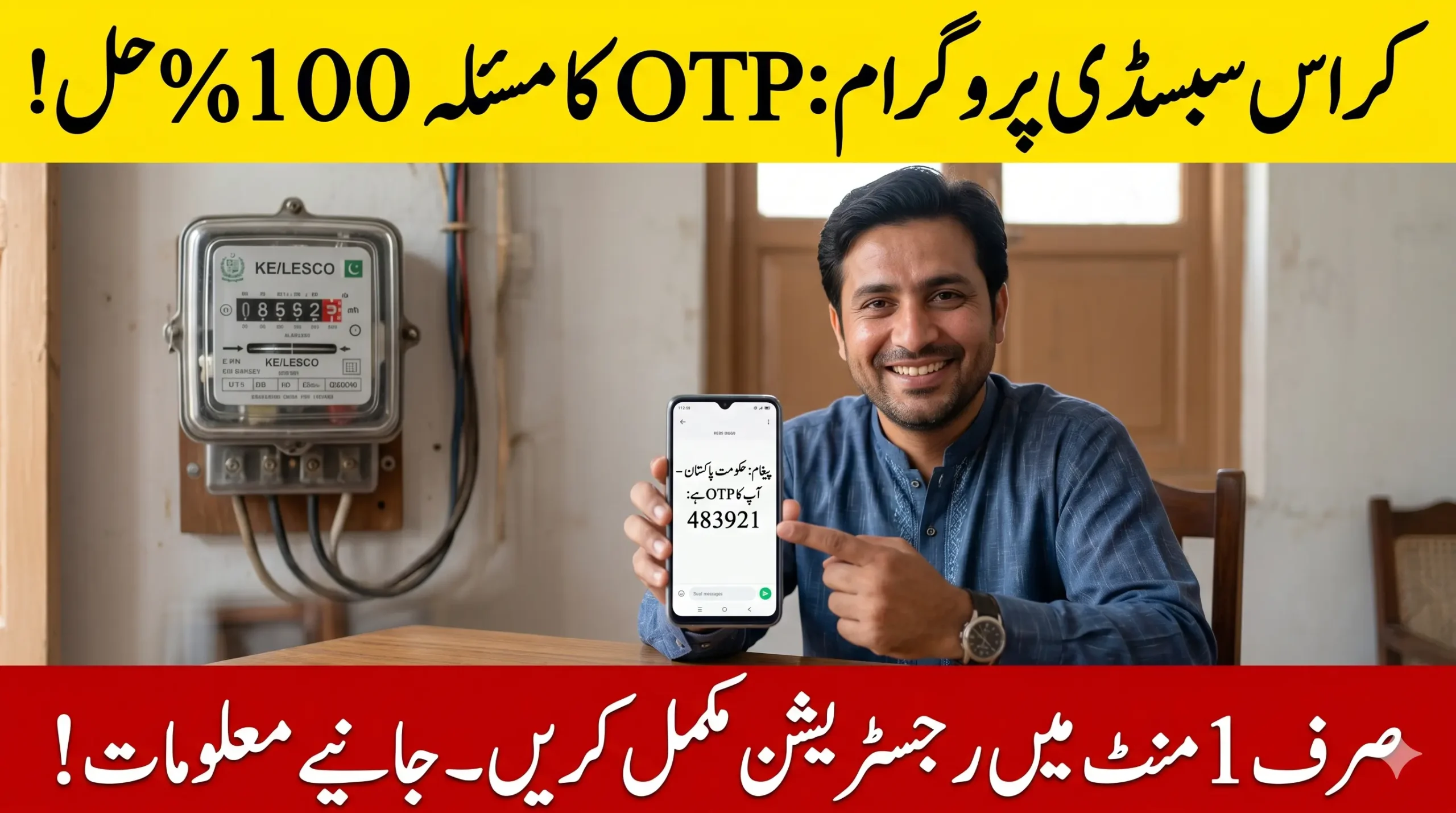
Many users are facing the Cross Subsidy Program OTP Not Received issue while trying to complete subsidy registration for electricity consumers using less than 200 units. This guide explains the real reason behind the OTP problem and the easiest solution that is working for many people in Pakistan.
You will learn how to fix the issue using Google Messages, how the “Resend OTP” option works, and what to do if the verification code still does not arrive. A real experience is also shared where a close relative solved the OTP problem within minutes and successfully completed registration.
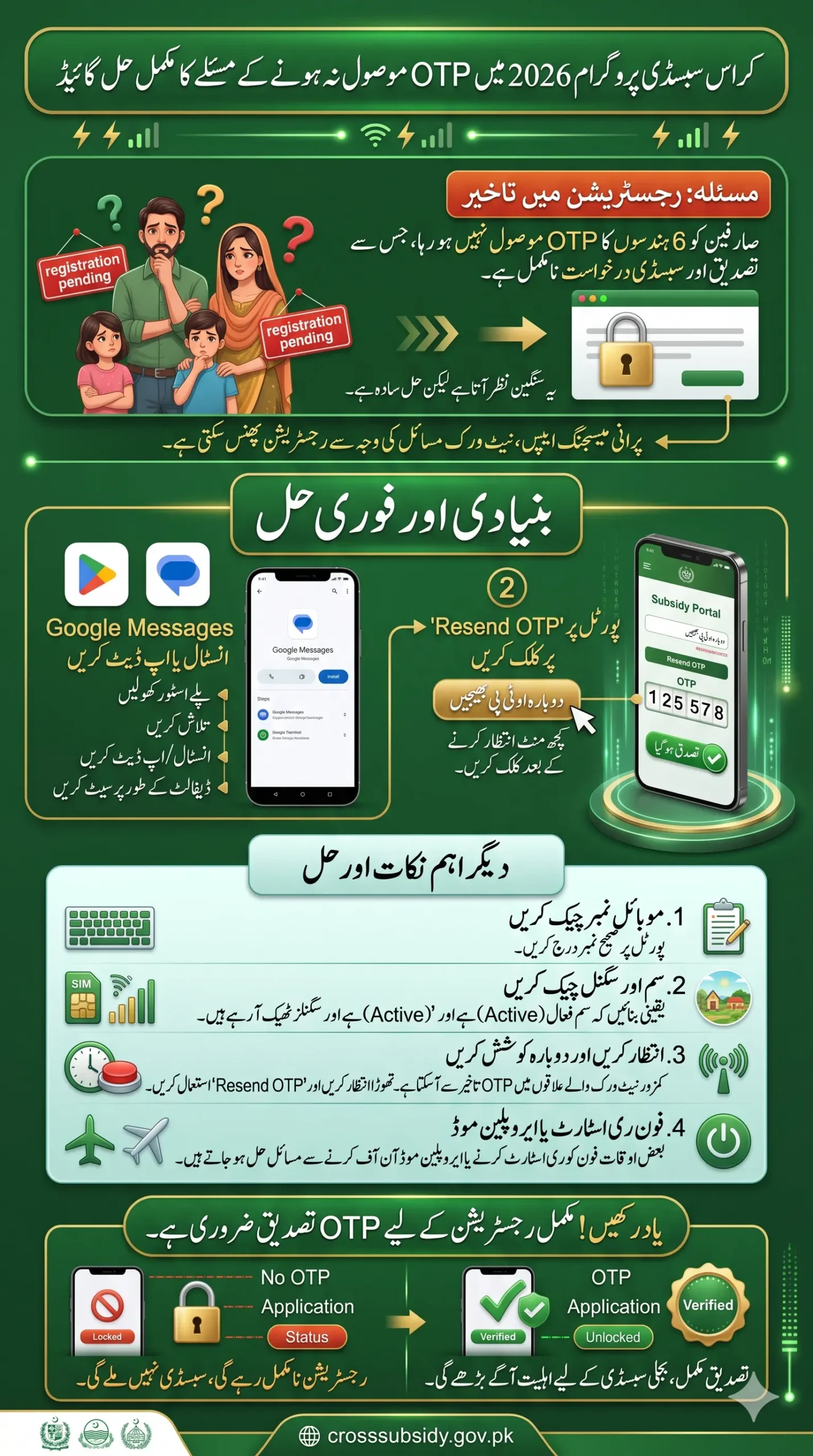
Cross Subsidy OTP Not Received Issue Guide
If your Cross Subsidy Program OTP Not Received issue is happening, first update or install the Google Messages app from the Google Play Store. After setup, click “Resend OTP” on the subsidy portal. In many cases, the OTP starts arriving immediately.
Also check:
- SIM network signals
- Correct mobile number
- SMS inbox/spam folder
- Mobile balance and active SIM status
Also Read: Aghosh Program Online Registration Guide for Rs. 38,000 Payments Through JazzCash
Quick Info Table
| Detail | Information |
|---|---|
| Program Name | Cross Subsidy Program 2026 |
| Purpose | Electricity subsidy for low-unit users |
| Eligible Users | Consumers using less than 200 units |
| Verification Method | 6-digit OTP |
| Common Problem | OTP not received |
| Main Solution | Install or update Google Messages |
| Other Fixes | Resend OTP, check network, restart phone |
What Happens During Registration Bijli Subsidy Program?
When you open the Cross Subsidy Program portal through the QR code and move forward, you are asked to enter:
- Electricity reference number
- Owner details
- Mobile number linked with CNIC
After entering the number, the system sends a 6-digit OTP for verification. A message appears like:
“A six-digit OTP has been sent to your number.”
Once you enter that OTP and press Verified and Complete Registration, your status changes to Verified. If the OTP never arrives, registration stays incomplete.
Must Read: Cross Subsidy Program Status Check Online Step-by-Step Complete Details 2026
Why Cross Subsidy Program OTP Is Not Coming
Most users think the portal is broken, but usually the issue is from the mobile side.
These are the most common reasons:
- Google Messages app missing
- Old messaging app version
- Weak network signals
- Delayed SMS service
- Wrong mobile number entered
- SIM inactive or blocked
- Phone SMS permissions disabled
In Pakistan, many Android phones now work better with the official Google messaging system for verification codes.
The Simple Fix That Worked for Many Users
The easiest and most successful method is installing or updating the Google Messages app.
Follow These Steps
- Open the Google Play Store
- Search for “Google Messages”
- Install the app if not already installed
- If installed already, update it
- Open the app and complete setup
- Return to the subsidy portal
- Click “Resend OTP”
Many users started receiving the OTP within seconds after doing this.
Read More: Rehmat Card Status Check Online by CNIC Through Portal – Know Complete Details 2026
Don’t Ignore the “Resend OTP” Option
A lot of people close the page quickly after not receiving the first OTP. Actually, the system already provides another option called Resend OTP below the verification box.
Use it after waiting 30–60 seconds. Sometimes the first SMS request fails because of temporary server load or network delay.
Small Network Problems Can Also Delay OTP
In villages and smaller cities, network fluctuation is common. If signals are weak, OTP delivery can slow down.
Try these quick tricks:
- Turn airplane mode ON/OFF
- Restart your mobile
- Move to an area with better signals
- Insert SIM in another phone
- Wait a few minutes before retrying
Users of Jazz, Zong, Telenor Pakistan, and Ufone may occasionally face delayed OTPs during peak hours.
Make Sure the Mobile Number Is Correct
One small typing mistake can stop the whole verification process.
Before requesting OTP again, check:
- Number entered correctly
- SIM is active
- SIM is inserted in your phone
- Number belongs to the applicant or family owner
If the wrong number is entered, the OTP will go to someone else.
Also Read: Kisan Card Loan Payers 2nd Lucky Draw Results Announced – Know Who’s Eligible To Get Bike 2026
What Happens After OTP Verification?
Once the code is entered correctly:
- Registration gets completed
- Verification status changes to “Verified”
- Your subsidy request moves forward
- Eligibility checking starts
Without OTP verification, your application remains incomplete.
Real Experience: My Relative Finally Solved the OTP Problem
Many users believed the portal was down because no OTP was arriving for hours. But after installing Google Messages and pressing resend, the code appeared instantly.
This issue became common especially on older Android phones using outdated default SMS apps. That is why updating the messaging system solved the problem for many applicants.
Important Tips Before Trying Again
Before requesting another OTP, remember these points:
- Keep mobile data or network active
- Don’t close the browser quickly
- Wait at least one minute
- Clear spam or blocked messages
- Use updated Android apps
- Avoid requesting OTP repeatedly within seconds
Too many requests together can sometimes delay the system response.
Also Read: Apna Khet Apna Rozgar Applicant Initial List Released 2026 – Know Step-by-Step Guide
FAQs
Why is my Cross Subsidy Program OTP not arriving?
Usually because of outdated messaging apps, network issues, or incorrect mobile number entry.
Is Google Messages necessary for OTP verification?
Not always, but many Android users solved the issue after installing or updating it.
How many times can I click Resend OTP?
You can retry after waiting some time, but avoid continuous rapid requests.
Can network signals affect OTP delivery?
Yes, weak signals can delay SMS verification messages.
What should I do if OTP still does not come?
Restart your phone, update Google Messages, check SIM status, and retry later.
Will registration remain incomplete without OTP?
Yes. Your status will not become verified until the OTP is entered correctly.
Can I use another family member’s number?
It is better to use the number linked with the applicant’s CNIC or meter owner details.
Final Words
The Cross Subsidy Program OTP Not Received issue is frustrating, especially when families are trying to secure electricity subsidy support quickly. But in most cases, the problem is not complicated at all.
Updating or installing Google Messages, checking your network, and using the resend option solves the issue for many users within minutes. Once the OTP arrives and verification is completed, your registration moves ahead normally without any further problem.