
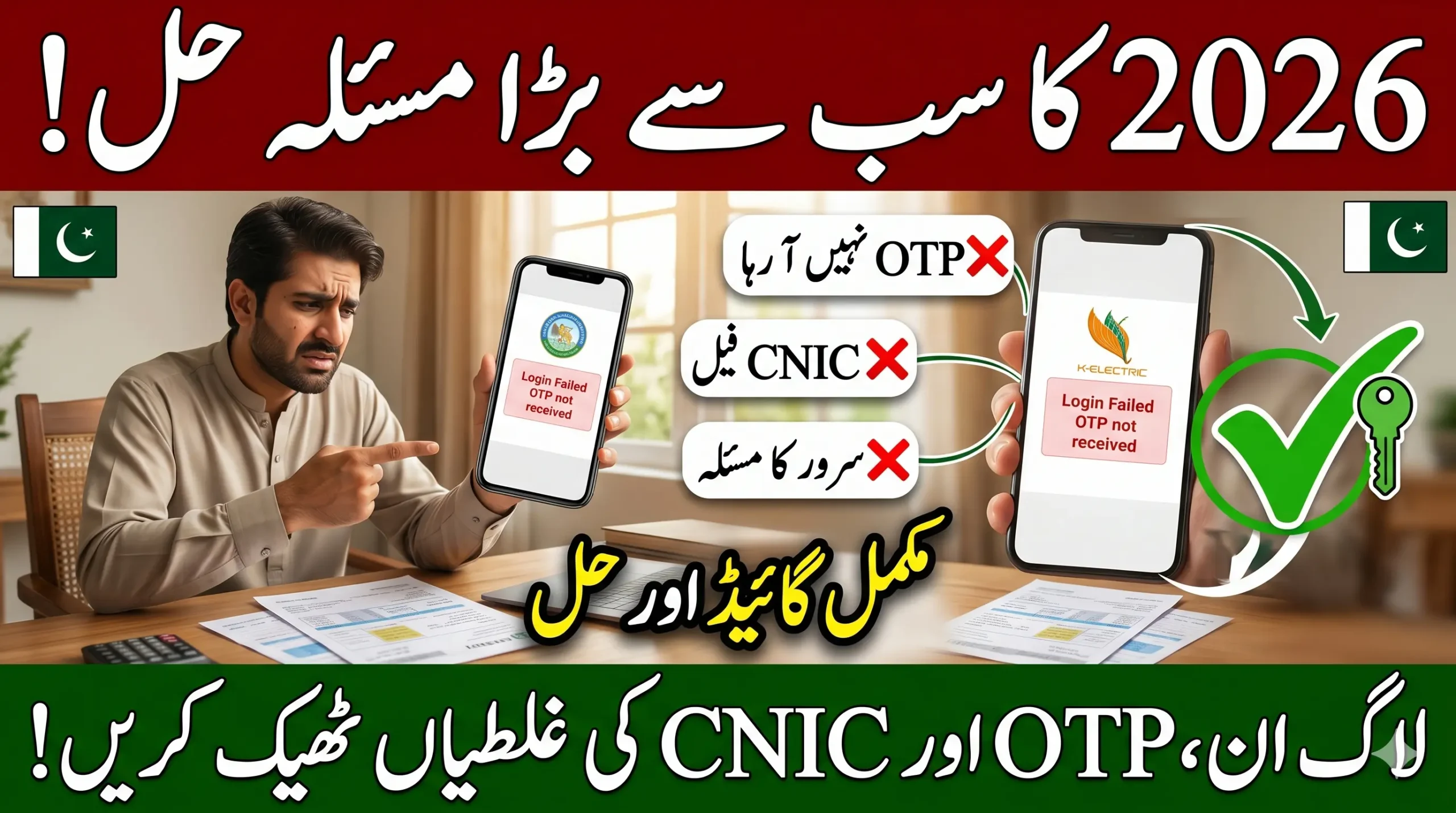
The Cross Subsidy Program Portal Login Issue 2026 is creating problems for many users trying to access their subsidy account online. This guide explains how to fix cross subsidy portal login failed errors, OTP verification issues, CNIC verification problems, dashboard loading errors, and password reset issues step by step.
Users facing subsidy portal authentication failed messages, server errors, or account access issues can learn the easiest solutions here. The article also covers how to recover a locked account, solve mobile number mismatch problems, and use the correct login process. Complete troubleshooting tips for the government subsidy portal are explained in simple language for Pakistani users.
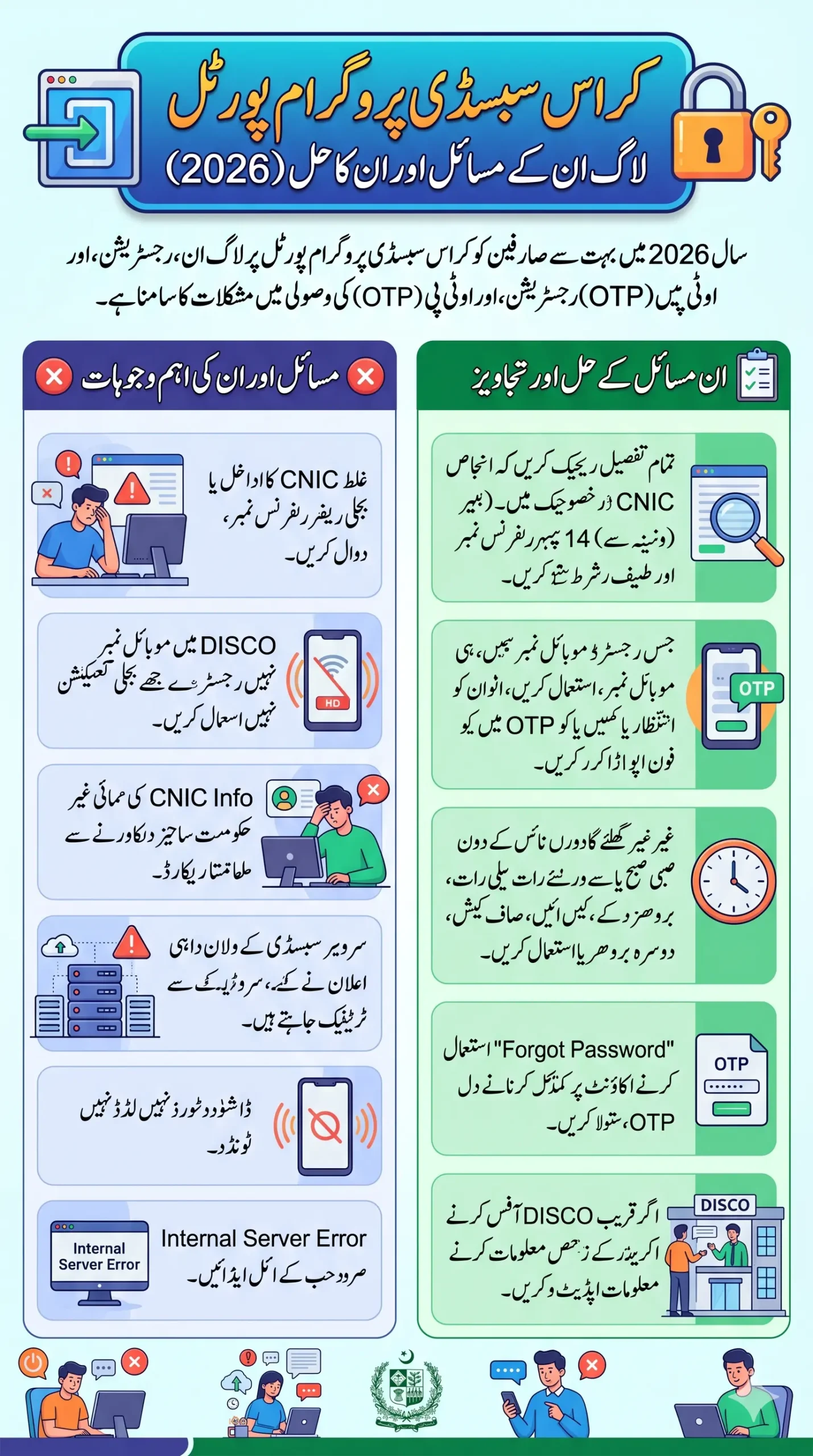
Why Is the Cross Subsidy Portal Login Not Working?
Most Cross Subsidy Program Portal Login Issue cases happen because of:
- Wrong CNIC or electricity reference number
- OTP not received on registered SIM
- Slow portal server or maintenance
- Mobile number mismatch with DISCO records
- Expired verification code
- Incorrect login credentials
- Browser cache or internet problems
Users can usually fix the problem by rechecking their details, using the correct registered mobile number, clearing browser cache, or trying during non-peak hours.
Also Read: E Learn She Earn Program Online Registration 2026: Apply Now for Free Skills Training
Common Cross Subsidy Portal Errors in 2026
Here are the most reported issues users are facing this year.
| Problem | Main Reason | Quick Solution |
|---|---|---|
| OTP not received | SIM mismatch or network delay | Use registered mobile number |
| Login failed | Wrong CNIC/password | Re-enter details carefully |
| Dashboard not opening | Heavy server traffic | Try again later |
| CNIC verification failed | NADRA record mismatch | Verify CNIC information |
| Portal loading issue | Browser cache or slow internet | Clear cache and refresh |
| Account locked | Multiple wrong attempts | Reset password |
| Internal server error | Portal maintenance | Wait and retry later |
Why OTP Verification Fails on the Subsidy Portal
The biggest complaint in 2026 is the cross subsidy OTP issue. Many users receive no SMS even after multiple attempts.
- Mobile number is not linked with electricity connection
- Weak network signals
- OTP expired before entering
- SIM registered on another CNIC
- Too many OTP requests in a short time
How to Fix OTP Not Received Problem
Follow these simple steps:
- Use the same mobile number linked with your electricity bill.
- Wait at least 2 minutes before requesting another OTP.
- Restart your phone once.
- Make sure your SIM has active signals.
- Avoid using VPN apps during login.
- Try logging in during early morning or late night hours.
Many users successfully solved the issue after changing to the registered SIM.
Read More: CM Punjab Solar Panel Scheme Online Apply Update 2026 – Step-by-Step Full Details
Cross Subsidy Portal Login Step by Step
Sometimes users make small mistakes during login. Following the correct process helps avoid authentication errors.
- Open the official government portal
- Enter your 13-digit CNIC without dashes
- Add the electricity bill reference number carefully
- Type the registered mobile number
- Enter the OTP code before it expires
- Create a secure password if registering first time
- Open the beneficiary account dashboard
Even one extra space in the reference number can cause a subsidy portal sign in error.
CNIC Verification Problem – What It Means
Many applicants see messages like:
- “CNIC verification failed”
- “User authentication unsuccessful”
- “Verification process incomplete”
This usually happens when your information does not match government or DISCO records.
Common Reasons
- Expired CNIC
- Wrong CNIC digits
- Electricity connection registered under another family member
- Inactive SIM
- Old mobile number in records
Solution
Visit your electricity provider office or update your mobile number linked with the connection. After updating records, try again after a few hours.
You Can Also Read: Big Update 2026: Australia Work Visa for Pakistani Workers Seeking Permanent Residency
Cross Subsidy Portal Not Working? Here’s the Real Reason
There are times when the issue is not from your side. The portal receives massive traffic whenever new subsidy announcements are made.
Thousands of users try logging in together, which causes:
- Slow loading
- Server timeout
- Internal error messages
- Blank dashboard
- Website crash
This is why the cross subsidy dashboard not opening problem becomes common during peak hours.
Best Time to Use the Portal
Users report better success rates during:
- Early morning
- Late night
- Non-holiday weekdays
Avoid trying repeatedly every minute because it may temporarily lock your account.
How to Recover Cross Subsidy Account
Forgot your password? Locked out of your account? This is another major issue in 2026.
Steps to Reset Cross Subsidy Portal Password
- Open the login page
- Click “Forgot Password”
- Enter CNIC and mobile number
- Verify OTP code
- Create a new password
- Login again with updated credentials
Also Read: Cross Subsidy Eligibility Criteria 2026- Know Who Qualifies for Electricity Relief Program
Mobile Number Mismatch Issue Explained
One hidden reason behind repeated login failure is the mobile number mismatch.
If your electricity connection is registered on your father’s or brother’s name but you use your own SIM, the portal may reject verification.
What You Should Do
- Use the SIM registered with the electricity connection
- Or update the number through the relevant DISCO office
This step alone solves many cross subsidy portal access issue complaints.
What To Do If Subsidy Portal Shows Internal Error
If the website suddenly shows:
- “Internal server error”
- “Something went wrong”
- “Service unavailable”
Then the problem is usually temporary.
Quick Fixes
- Refresh the page after 5 minutes
- Switch browser
- Clear browser cache
- Use mobile internet instead of Wi-Fi
- Disable ad blockers
- Retry later
Sometimes the government portal goes under maintenance for updates.
Important Things Users Should Never Ignore
Before logging into the Cross Subsidy Program portal, double-check these details:
Always Verify
- Correct CNIC number
- Exact electricity bill reference number
- Registered mobile number
- Stable internet connection
- Latest browser version
Avoid These Mistakes
- Sharing OTP with others
- Using fake websites
- Entering wrong details repeatedly
- Using unofficial agents
Your beneficiary account contains sensitive personal information, so always use official government channels.
Also Read: CM Punjab Ration Card Payment Withdrawal 2026 Through BOP ATM and Biometric Verification
How To Contact Support If Problem Continues
If nothing works, contact technical support.
You Can:
- Visit your nearest DISCO office
- File complaint through CM complaint portal
- Use official helpline numbers
- Report portal authentication failed issue
When contacting support, keep these ready:
- CNIC copy
- Electricity bill
- Registered mobile number
- Screenshot of error message
This helps speed up the verification process.
FAQs
Why is the Cross Subsidy Portal login failing again and again?
Usually because of wrong login credentials, OTP issues, or mobile number mismatch with electricity records.
Why is the subsidy dashboard not loading?
Heavy traffic, slow internet, or temporary server maintenance can stop the dashboard from opening.
How can I solve OTP verification issue?
Use the registered SIM, wait before retrying, and make sure your network signals are stable.
What should I do if my account gets locked?
Use the forgot password option and reset your account through OTP verification.
Why does CNIC verification fail on the subsidy portal?
Your CNIC details may not match government or DISCO records, or the connection may be registered under another person.
Is the Cross Subsidy Portal down today?
Sometimes the portal becomes slow or temporarily unavailable due to maintenance or heavy traffic.
Can I register using another person’s mobile number?
It is better to use the number already linked with the electricity connection to avoid verification problems.
Final Words
The Cross Subsidy Program Portal Login Issue in 2026 is affecting thousands of users, but most problems can be solved without visiting offices. OTP delays, CNIC verification problems, dashboard loading errors, and password issues are usually connected to incorrect records or server overload.
Carefully entering your information, using the correct registered mobile number, and trying during non-peak hours can solve most portal access problems quickly.