
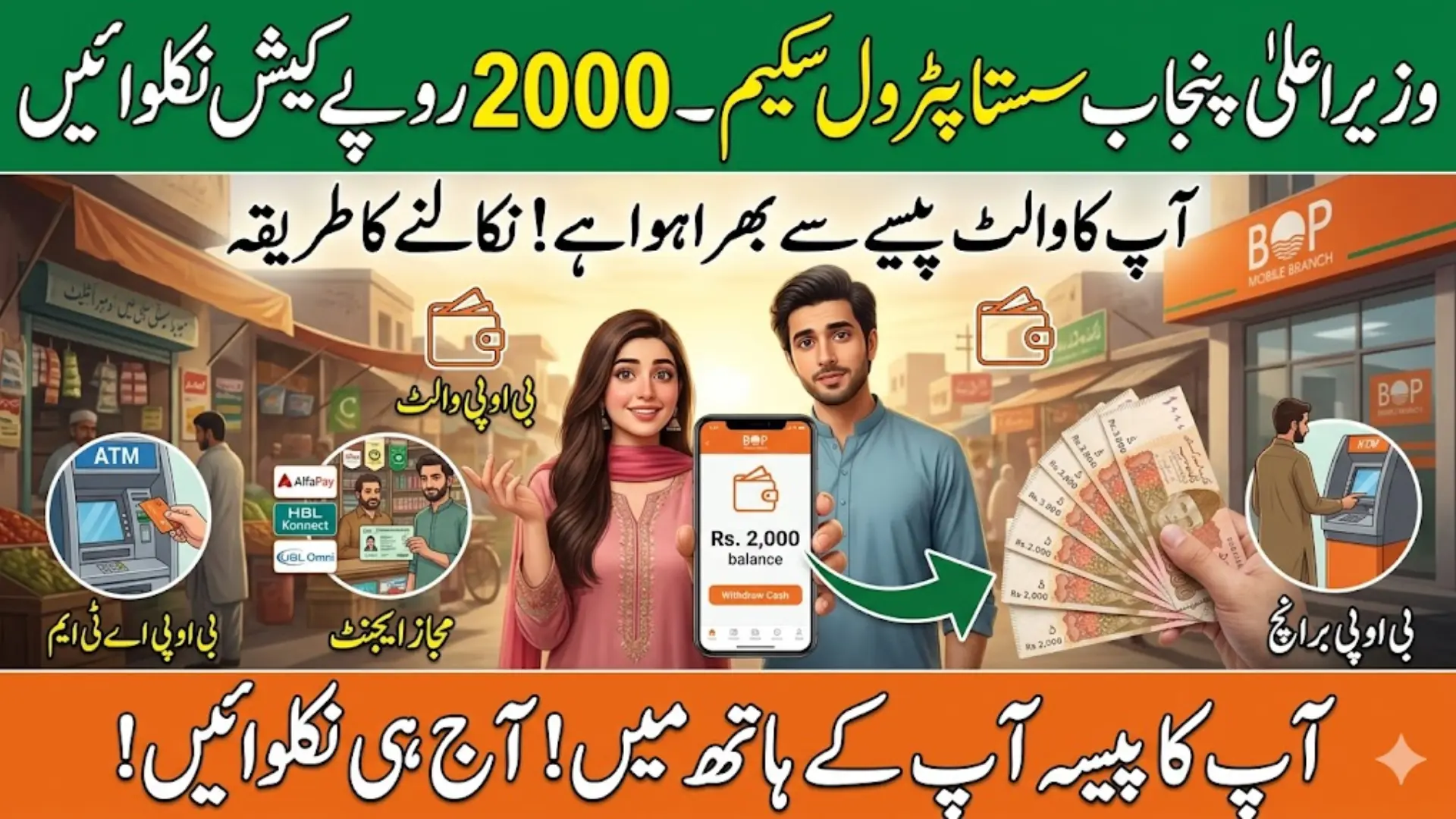
How to Withdraw Petrol Subsidy From BOP Wallet is one of the most searched questions in 2026, especially among people who have received their subsidy but don’t know how to access it. If your payment is showing in your wallet and you’re unsure what to do next, this guide is exactly for you.
Here, you’ll learn the complete withdrawal process using your CNIC and mobile number, including ATM, agent, and bank transfer methods. I’ll also explain common issues, quick fixes, and pro tips so you can get your cash smoothly without delays or confusion.
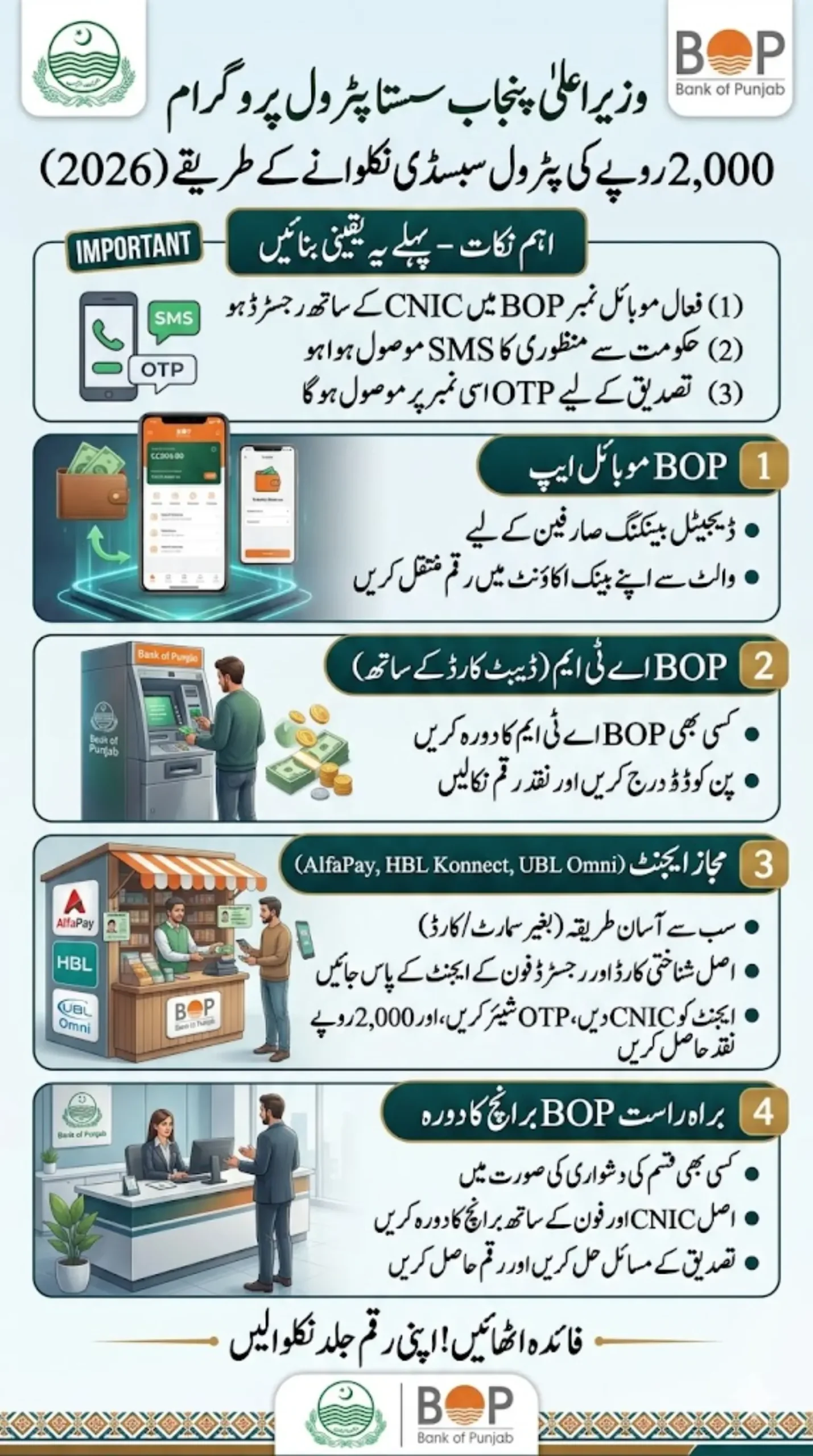
How to Withdraw Petrol Subsidy from BOP Wallet Guide
If you received the SMS, head to the nearest AlfaPay, HBL Konnect, or UBL Omni agent with your original CNIC and the registered mobile phone. The agent will verify your CNIC (often with the last 6 digits or biometric thumb impression), confirm via OTP if needed, and hand you Rs. 2000 in cash instantly. No bank account required in most cases.
This process usually takes just a few minutes and works for the monthly Rs. 2000 cash assistance under the CM Punjab Sasta Petrol Program (part of relief for motorbike users, alongside the Rs. 100/liter discount on up to 20 liters).
Quick Info Table
| Feature | Details |
|---|---|
| Subsidy Amount | Rs. 2,000 (may vary) |
| Payment Method | BOP Wallet |
| Withdrawal Options | ATM, Agent, Bank Transfer |
| Required Documents | CNIC + Registered Mobile Number |
| Processing Time | Instant (after verification) |
| Eligibility Check | Via SMS / Portal |
CM Punjab Petrol Subsidy Scheme Details
The program targets Punjab residents, especially motorbike owners, to ease fuel costs. Key points:
- Eligibility: Valid CNIC, Punjab resident, usually a registered motorbike in your name. Not typically overlapping with certain other major schemes like BISP for the cash component.
- Amount: Rs. 2000 credited monthly to your BOP digital wallet.
- Confirmation: You’ll get an SMS from BOP Info when funds arrive.
If you haven’t received it yet, check your eligibility via the “Maryam Ko Batayn” app, mkb.punjab.gov.pk portal, or by calling 1000.
Read More: CM Punjab Veterinary Internship Program Apply Online – Rs60,000 Monthly Stipend for Vet Graduates
Confirm Your Subsidy Status in Sasta Petrol Scheme
Before anything else:
- Check SMS from Punjab Government
- Or log in to BOP Wallet
- Make sure your subsidy is credited
👉 No balance = No withdrawal
Step-by-Step: BOP Wallet Petrol Subsidy Withdrawal Process
- Receive the SMS: Keep the message handy as it confirms the credit date and details.
- Locate a Nearby Agent: Search for AlfaPay agent, HBL Konnect shop, or UBL Omni outlet. Many EasyPaisa/JazzCash agents also handle these.
- Visit with Documents: Carry your original CNIC and the mobile number linked to the wallet (the one that received the SMS).
- Verification: The agent enters your CNIC. You may need to provide the last 6 digits, do a thumb biometric scan (via NADRA-linked device), or share an OTP sent to your phone.
- Get Cash: Once verified, receive Rs. 2000 instantly. No long queues or complicated forms.
Pro Tip: Go during less busy hours to avoid small waits. Agents are widespread in Punjab, including smaller towns.
Also Read: Apna Khet Apna Rozgar Status Check, Portal Login & Application Tracking Guide 2026
Alternative Ways to Access Your Subsidy
- BOP App / digiBOP: Download the official BOP mobile app, log in (using your details), and transfer to a linked BOP account or other wallet if supported.
- ATM Withdrawal: If linked to a BOP debit card, use any BOP ATM.
- Bank Branch: Visit a Bank of Punjab branch with CNIC for assistance.
- Direct Transfer: In some cases, link to your preferred account during registration.
For most people without a debit card, the agent route is fastest and most convenient.
Common Problems and What to Do About Them
OTP not received: Make sure your phone has signal and your number is the one linked to your CNIC in the BOP system. Try again after a few minutes, sometimes there’s a short delay.
Agent says your CNIC isn’t showing in the system: Your subsidy may not have been credited yet, or there may be a mismatch in your registration details. Check your approval SMS and visit a BOP branch if the problem persists.
Subsidy amount already showing as withdrawn but you didn’t receive cash: This is rare but contact BOP’s helpline or visit a branch immediately. Keep your CNIC and any SMS records handy.
App not working or wallet balance not visible: Update the app to the latest version. If it still doesn’t show, log out and log back in. Branch visit is the backup.
Also Read: Apna Ghar Housing Scheme 2026 Login – How to Register & Apply Online (Full Guide 2026)
FAQs
Can I withdraw petrol subsidy without ATM card?
Yes, you can easily withdraw from agents using CNIC and OTP.
How long does withdrawal take?
Usually 3 to 10 minutes after verification.
What if my mobile number is not registered?
You must update your number linked to CNIC first.
Can I send subsidy to another account?
Yes, via BOP Wallet transfer option.
Is there any deduction or fee?
Normally no deduction, but some agents may charge a small service fee.
Final Thought
The petrol subsidy withdrawal process has more options than most people realize. You don’t need a smartphone, you don’t need a bank account, and you don’t need to stand in a long queue. A nearby agent, your CNIC, and your phone is genuinely all it takes for most people.
The one thing that trips people up every time is a mismatched or inactive mobile number. Sort that out first and the rest of the process is quick and straightforward.